
Build file 01 · Clinic
83%less daily owner admin, estimated
Clinic Operating System
Visit and follow-up records structured, reminder context prepared, exceptions flagged—in one private workspace.

Custom software, AI & automation
We build custom business software, AI agents and workflow automation around your team’s tools and processes. Based in Kuching, Malaysia. Working on site locally and remotely with teams worldwide.
One agreed workflow. Keep it. Continue only if you choose.
For selected businesses. Running costs may apply. Eligibility & termsAfter hours on the waterfront
Let’s go inside one of them.
11:42pm
Chats, spreadsheets, approvals, follow-ups. It only moves when someone remembers—usually the owner.
How we work · 1 Map
We sit with your team and trace how work really moves—counter, desk, files—and where it gets stuck.
How we work · 2 Build · 3 Operate
One system around the tools you already use—monitored and improved after launch.
The next morning
Follow-ups sent, records updated, the quote ready for approval. Decisions still wait for a person.

Build files · reported workflow results
Three businesses. Three systems. What changed once the work stopped depending on someone remembering.
See every build file →Build file 01 · Clinic
Visit and follow-up records structured, reminder context prepared, exceptions flagged—in one private workspace.

Build file 02 · Outbound sales
Leads assigned, call outcomes recorded, next steps visible, commercial decisions routed to managers.

Build file 03 · Restaurant operations
Wukong helps guests choose a pairing. Staff track orders through kitchen checks and daily close. AI assists the separate owner-reporting workflow.
Choose your kind of business
Control by design
Routine work finishes on its own. Anything with money, risk or judgement waits for a person—with the evidence attached.
Needs your decision
Handled automatically
Forward deployed engineering
We solve one agreed operational problem, test it with your team and hand it over. You keep the agreed workflow. Continuing with us is your choice.
Find my starting pointFor selected businesses. Running costs may apply. Eligibility & terms
Find the first workflow worth improving. We work with your team to map the problem, compare the options and build a useful first system.
Connect your CRM, spreadsheets and business tools so each request reaches the right person, with a clear next step and fewer repeated updates.
Build a private workspace around your records, roles and decisions when separate tools no longer fit how your business works.
Use AI with confidential client files and company knowledge. Choose where processing happens and who can access the information.
No implementation bill. No obligation to continue.
The agreed first workflow stays free, even if it succeeds. No automatic retainer.
Keep the agreed access, usage rights and handover whether or not you continue.
Report in-scope defects within 30 days of accepted handover. New features are separate.
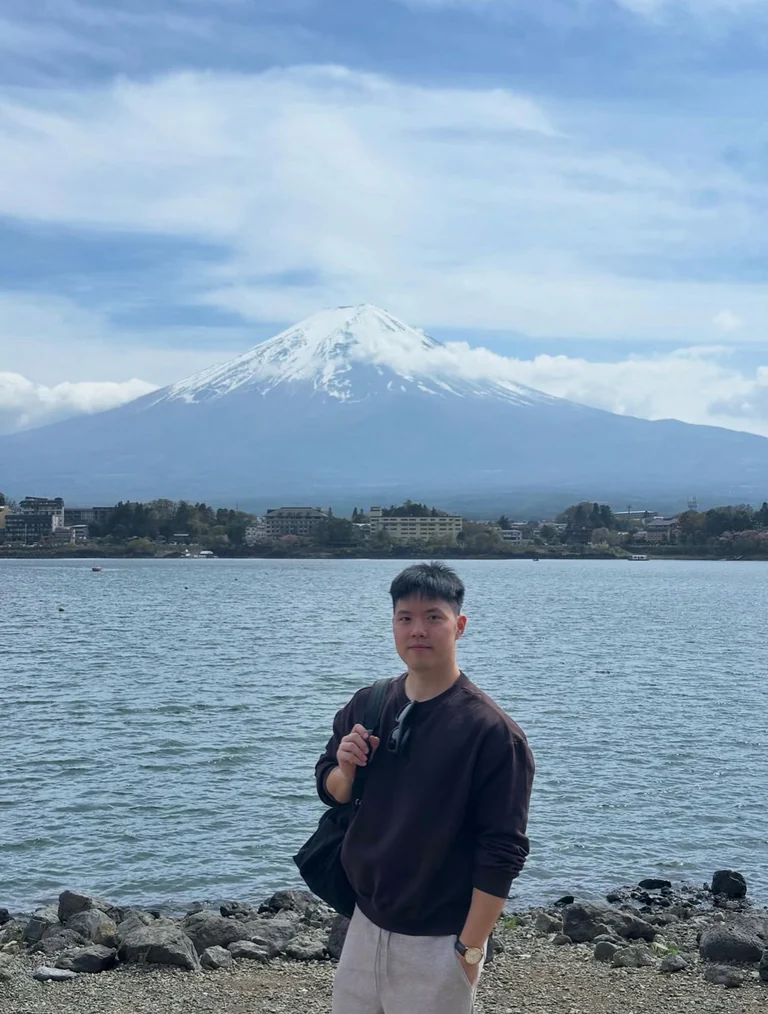
Founder-led delivery
“The business had AI tools. It did not have an AI system.”
I trained as a software engineer, then worked in sales and built businesses—so I’ve been on both sides: building systems, and answering for customers, staff, costs and the gaps between tools.
Clients work directly with me from diagnosis through operation—on site or remotely, inside the workflow, and still there after launch.
The practical questions
Ask the assistant anything about how we work, costs, timelines or your industry.
The examples on this site launched in 14–60 days. Your timing depends on the tools, data, approvals and risk involved. We confirm the first milestone before building.
Before building, we agree what data the system can use, who can access it, where it is processed, how long it is kept, and which actions need human approval.
Often, yes. We check whether your tools can share data reliably before proposing a build. If an important tool cannot connect safely, we suggest a practical workaround—or tell you not to automate that step.
Ownership, access, source code, accounts, hosting, data export and offboarding are written into the proposal before building. Nothing important is left implied.
Before launch, we agree who is alerted, what stops, and what people do instead. If the system is unsure or a connected tool fails, sensitive actions return to a named person while we fix the problem.
Yes. We test Malay, Mandarin, English and other required languages with your team before launch, including important terms and cases that must go to a person.
Usually very little. We build around the tools and habits already in use, then train the people who will run the system and handle exceptions.
We follow the real workflow, find where work repeatedly stalls, and choose the smallest useful system that can improve it. Scope, milestones, responsibilities and success measures are agreed before building.
Sometimes hiring is the right answer. We are useful when the real problem is a repeated workflow, scattered information, and coordination that should not depend on one more person remembering every step.
We ask about your operations, find the gaps, and tell you exactly what we’d build. No pitch deck, no hard sell—just a straight conversation.

The next morning · Your first workflow, built free
Bring one recurring problem. We’ll check whether it fits the free first workflow. Further work is your choice.